Got it!
Some notes after a little testing
- * You can see when you partner ist typing
- * Smilies are changed to gifs
- * If you are chatting and have an open window, the name in the “Quick Contacts” flashes/highlights
- * The history is not updated at realtime/with ajax
- * Surprise, its AJAX and WEB2.0
And now some stuff that I miss:
- * Where is the timestamp?
- * Nice would be a popping window if a message is received
Thanks Mike for testing with me 🙂 (sorry, this smiley does not change 😉 )
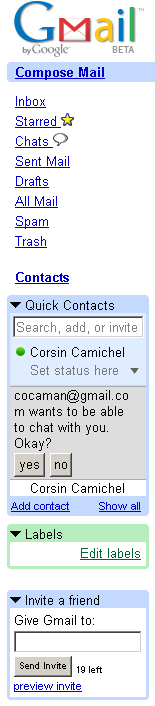
GmailTalk asks for permission:
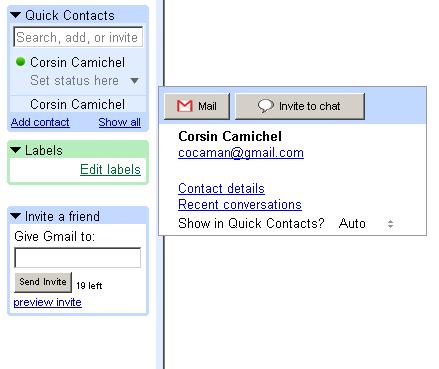
Window poping out to chat:
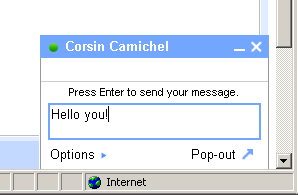
A little chat window inside GMail:
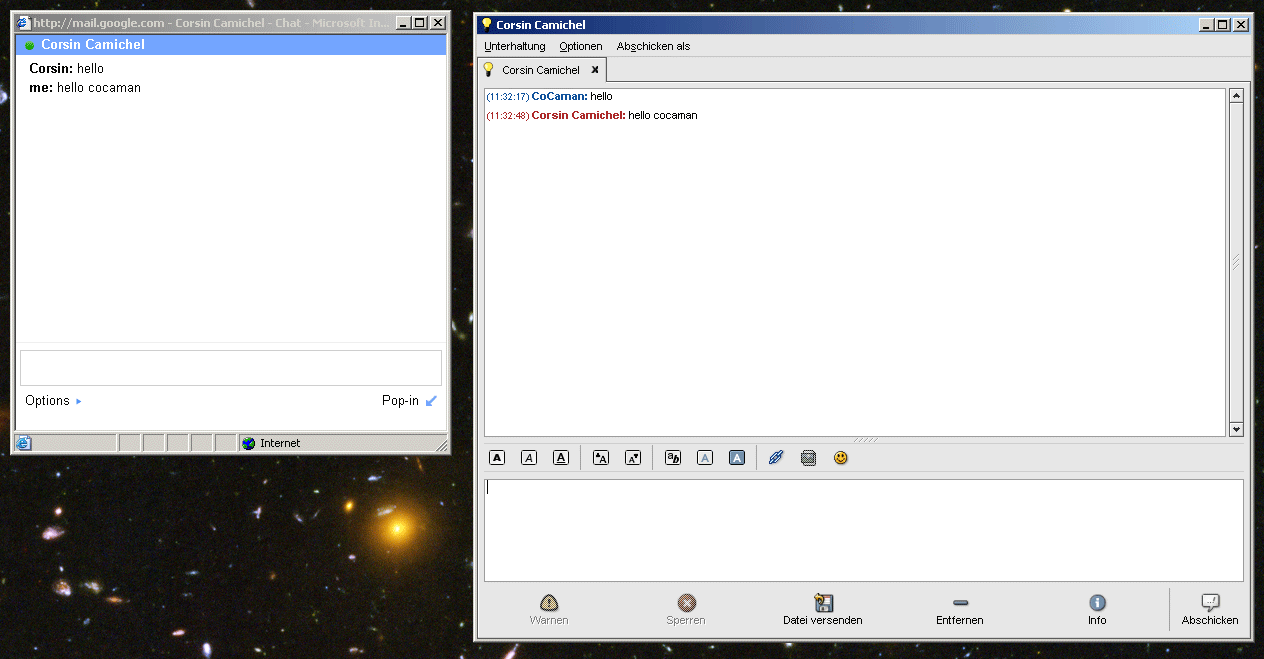
A popup of the chat window togheter with GAIM:
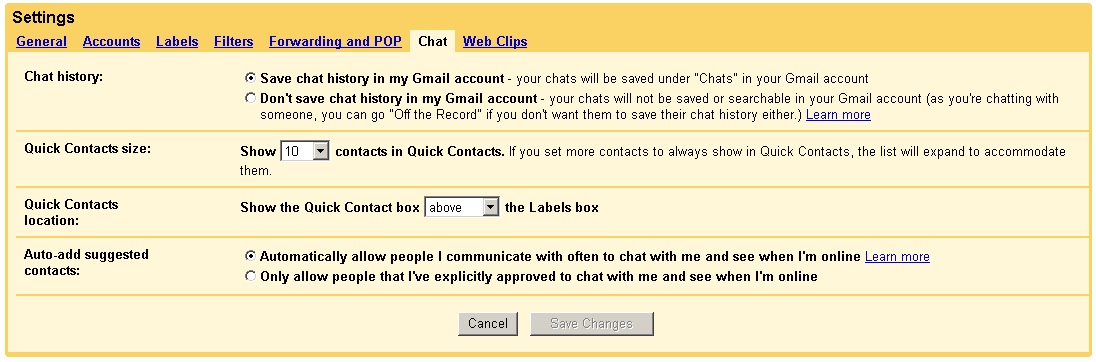
The settings of the chat tab (Thanks Caleb):
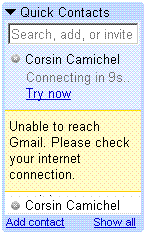
Message if you lose connection to GMail+Talk during chatting:
It’s nice and fast!
How about a screenshot of the chat tab of the settings page? Did they add much?
Hmmm… how did you get this?
I just got it right now. It’s pretty sweet. I like the ability to go on and off the record, save or not save parts of a converstation.